ردود ذكية على الرسائل والتعليقات
رد على الأسئلة المتكررة، وجّه العميل للخطوة التالية، وصعّد الحالات اللي تحتاج تدخل من الفريق.
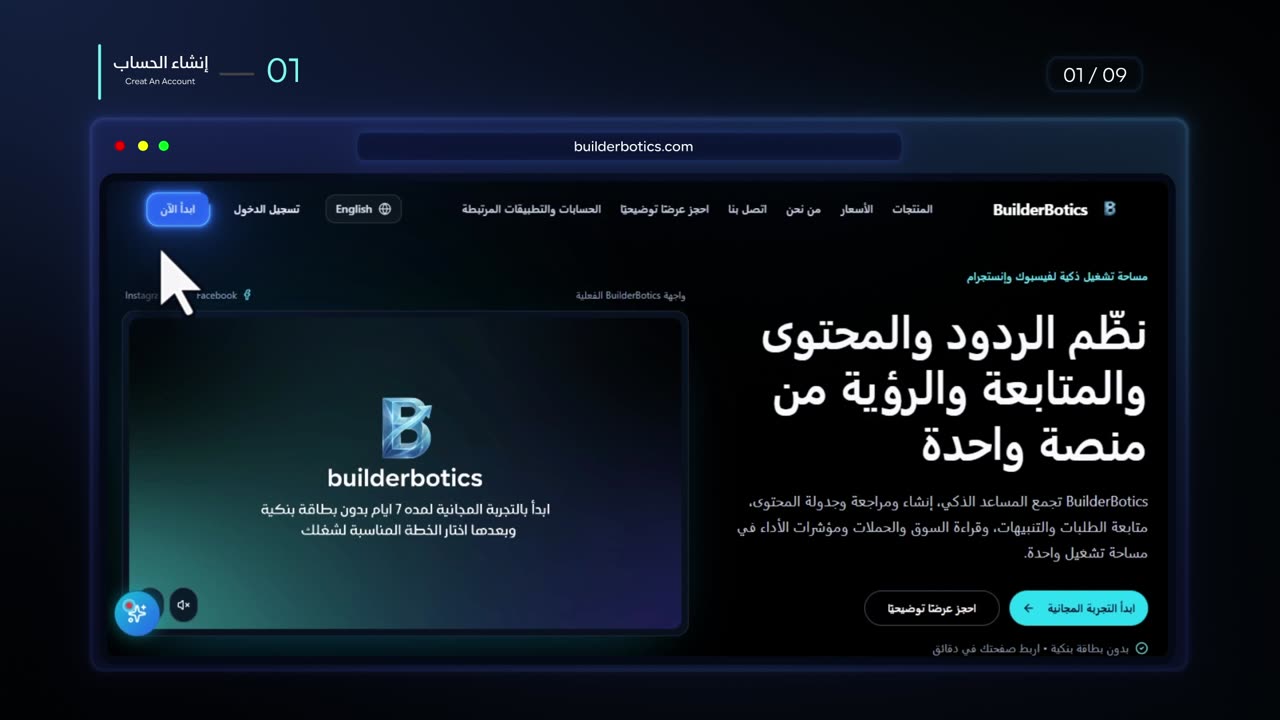
أكثر من مجرد شات بوت لفيسبوك وإنستغرام
استخدم مساعدًا ذكيًا للرسائل والتعليقات، وأنشئ المحتوى وجدوله، وراقب المنافسين عبر Market Radar. يعمل النشر التلقائي بعد الإعداد عند تفعيله ضمن الخطط الداعمة.
بدون بطاقة بنكية • اربط صفحتك في دقائق
المشكلة اليومية
لما يكبر نشاطك على فيسبوك وإنستجرام، الفريق يبدأ يتنقل بين الرسائل والتعليقات والطلبات وأفكار المحتوى وجدولة المنشورات. النتيجة: ردود أبطأ، محتوى غير منتظم، ومتابعة أصعب للعملاء.
العميل يتوقع ردًا سريعًا، لكن الفريق مش متاح طول الوقت.
الأفكار موجودة، لكن التنفيذ والجدولة بيتأخروا مع ضغط الشغل اليومي.
الاستفسارات والطلبات والتنبيهات ممكن تضيع لما كل مهمة تكون في مكان مختلف.
الحل
اجمع مساعد الرسائل والتعليقات، وإنشاء المحتوى وجدولته، وMarket Radar في مساحة واحدة. تختلف المزايا وحدود الاستخدام حسب الخدمة والخطة.
BuilderBotics
مساحة تشغيل واحدة
رد على الأسئلة المتكررة، وجّه العميل للخطوة التالية، وصعّد الحالات اللي تحتاج تدخل من الفريق.
حوّل أهدافك وأفكارك إلى محتوى منظم وجدول نشر واضح بدل البدء من الصفر كل يوم.
خلّي الطلبات والحالات المهمة واضحة للفريق بدل ما تضيع وسط المحادثات.
راجع النشاط العام للمنافسين، مؤشرات الحملات، وصورة أداء الحساب والمحتوى قبل خطوتك التالية.
تابع حالة الطلبات وقنوات التنبيه وما يحتاج متابعة من مكان واحد.

تعرّف على مدير فيسبوك، و مدير إنستغرام، أو قارن الخطط وحدود المزايا.
محتوى يعمل بانتظام
ولّد أفكارًا ومسودات من سياق نشاطك، واختر مواعيد النشر، وفعّل النشر التلقائي بعد اكتمال الإعداد عندما تدعم خطتك منشئ المحتوى.
ضمن التجربة المجانية 7 أيام
اختر هدف المحتوى ونوع المنشورات اللي عايز تجهزها.
استفد من معلومات نشاطك ونبرة علامتك لتجهيز محتوى مناسب.
حدّد إذا كان النشر صباحيًا، مسائيًا، أو موزعًا بالتساوي على مدار اليوم.
استخدم النشر التلقائي بعد الإعداد ضمن الخطط التي تشمل منشئ المحتوى.
تخطيط محتوى فيسبوك وإنستجرام

كيف تعمل المنصة
اربط حساباتك، عرّف المنصة بنشاطك، اختر الأدوات التي تحتاجها، ثم اترك المهام المتكررة تعمل من مكان واحد.
اختر الصفحة أو الحساب المناسب وأكمل الربط الآمن بالأذونات المطلوبة.
أضف بيانات النشاط والتعليمات والمعلومات التي يعتمد عليها المساعد.
اختر أدوات الردود والمحتوى والمتابعة والرؤية التي يحتاجها شغلك.
راجع المحادثات والطلبات والتنبيهات والمحتوى من نفس مساحة التشغيل.
إعداد موجّه بخطوات واضحة، مع إمكانية تعديل الأدوات والتفضيلات بعد التشغيل.
ابدأ التجربة المجانيةتجارب من مستخدمين
آراء حقيقية من أصحاب أعمال استخدموا BuilderBotics في تنظيم الرسائل والمحتوى ومتابعة شغلهم اليومي.
“بصراحة، BuilderBotics فرقت معانا جدًا، خصوصًا في الرد على الأسئلة اللي بتتكرر كل يوم. وفرت علينا وقت كبير، وخلّت الرد على الناس أسرع.”
 Mrs Menna Academyإدارة أكاديمية وحضانةتعليم وحضانات
“اللي عجبنا في BuilderBotics إننا بقينا نعرف المنافسين بيعملوا إيه، ونشوف أداء الصفحة بشكل أوضح. ده ساعدنا ناخد قرارات أحسن بدل ما نجرب وخلاص.”
 الطاقة الشمسية لمنزلك أو مزرعتكخدمات وحلول الطاقة الشمسيةطاقة شمسية
“أكتر حاجة ريّحتنا إن حاجات كتير بقت في مكان واحد. بنجهز المحتوى ونجدوله، ونتابع الرسائل، ونشوف الأداء من غير ما نفضل فاتحين كذا أداة طول اليوم.”
 مستشارك الموجه المالي والإدارياستشارات مالية وإداريةاستشارات مالية وإدارية
المنصات والتكاملات
تحكم واطمئنان
اضبط طريقة الرد والمعلومات اللي يعتمد عليها المساعد، وحدد الحالات اللي لازم تنتقل للفريق بدل ما تسيب كل حاجة للأتمتة.
حدد نبرة المساعد وطريقة الكلام بحيث تفضل متناسقة مع علامتك.
زوّد المساعد بالمعلومات والقواعد اللي يحتاجها للرد بشكل مناسب.
الحالات الحساسة أو غير الواضحة تقدر تنتقل للمراجعة البشرية بدل الرد التلقائي الكامل.
اربط الحسابات من خلال التدفق الموجّه بدل مشاركة كلمات المرور أو استخدام طرق غير منظمة.
قبل ما تبدأ
حدود واضحة عن مصدر الردود، التدخل البشري، القنوات، الإلغاء، والخصوصية قبل تشغيل المنصة.
يحصل المساعد على إجاباته من المعلومات التي تضيفها عن نشاطك، مثل بيانات النشاط، والتعليمات، وقاعدة المعرفة، والملفات التي ترفعها له.
نعم، فورًا. يتم إيقاف الرد الآلي بمجرد دخولك إلى المحادثة والرد بنفسك، ثم يعود المساعد للعمل تلقائيًا بعد انتهاء المحادثة بفترة قصيرة.
يتم إرسال تنبيه بوجود عميل يحتاج إلى تدخل شخص مسؤول عبر البريد الإلكتروني أو Telegram، حسب خطتك والقنوات التي فعّلتها.
يمكنك طلب الإلغاء من إعدادات الاشتراك داخل حسابك. راجع شاشة التأكيد قبل الإلغاء لأنها توضّح أثره على الأتمتة والمزامنة، وتواصل مع الدعم إذا احتجت توضيح توقيت انتهاء الوصول.
يتم ربط الحسابات من خلال الأذونات المطلوبة من المنصات المتصلة، وتستخدم BuilderBotics هذه الصلاحيات لتشغيل الأدوات التي تقوم بتفعيلها وإدارة التكاملات المرتبطة بحسابك.
نعم، يقدمان نفس الإمكانيات الأساسية داخل BuilderBotics، وقد تختلف حدود الاستخدام حسب القناة والخطة وحالة الاتصال.
لا، لا تحتاج إلى أي خبرة تقنية للبدء. الإعداد موجّه خطوة بخطوة: تربط حسابك بالأذونات المطلوبة، تضيف معلومات النشاط ونبرة التواصل، ثم تفعّل الأدوات المناسبة لك.
خطوتك الجاية
جرّب BuilderBotics لمدة 7 أيام، واربط حسابك، وشوف إزاي الردود والمحتوى والمتابعة ممكن تتجمع في مساحة تشغيل واحدة.
بدون بطاقة بنكية • إعداد موجّه
الأسعار
جرّب BuilderBotics لمدة 7 أيام بدون بطاقة بنكية، وبعدها اختار الخطة حسب القنوات وحجم التشغيل اللي تحتاجه.
تبدأ من
$29
شهريًا
الأسعار المعروضة مأخوذة من كتالوج الخطط الحالي. راجع صفحة الأسعار للتفاصيل الكاملة.